
If you're on Instagram, Stories are an alternative way to post. They use a longer format so you can tell your story in more depth. And they're quick and easy to make and you can be creative.
Tips for Stories
- Each frame only appears for 7 seconds (photos and text) or 15 seconds (video) - so keep your message short and sweet.
- Use the first frame to grab attention – explain a little about what your story is going to be about.
- Engagement tends to drop off with each frame. People might not make it to the end if it's too long, so try to sum up your Story in 5 – 10 frames. Keep your content interesting and easy to read.
- Use GIFs, emojis and stickers as visual cues to highlight parts of your text.
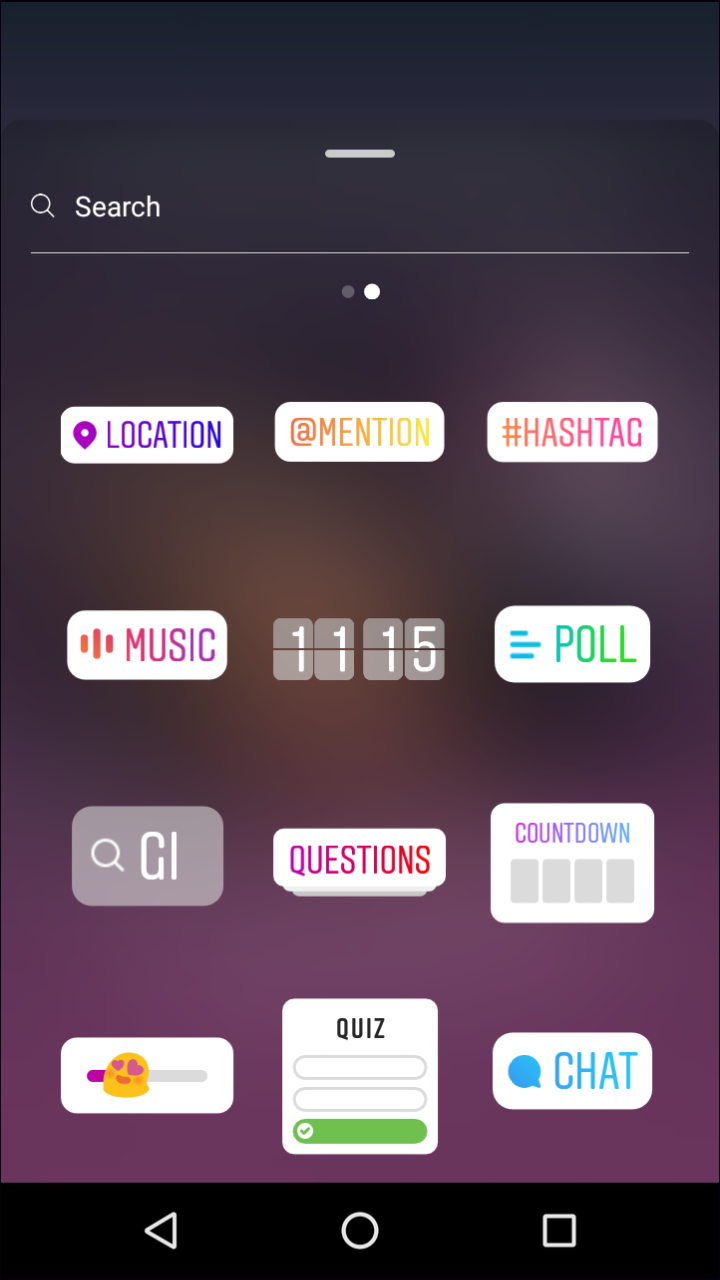
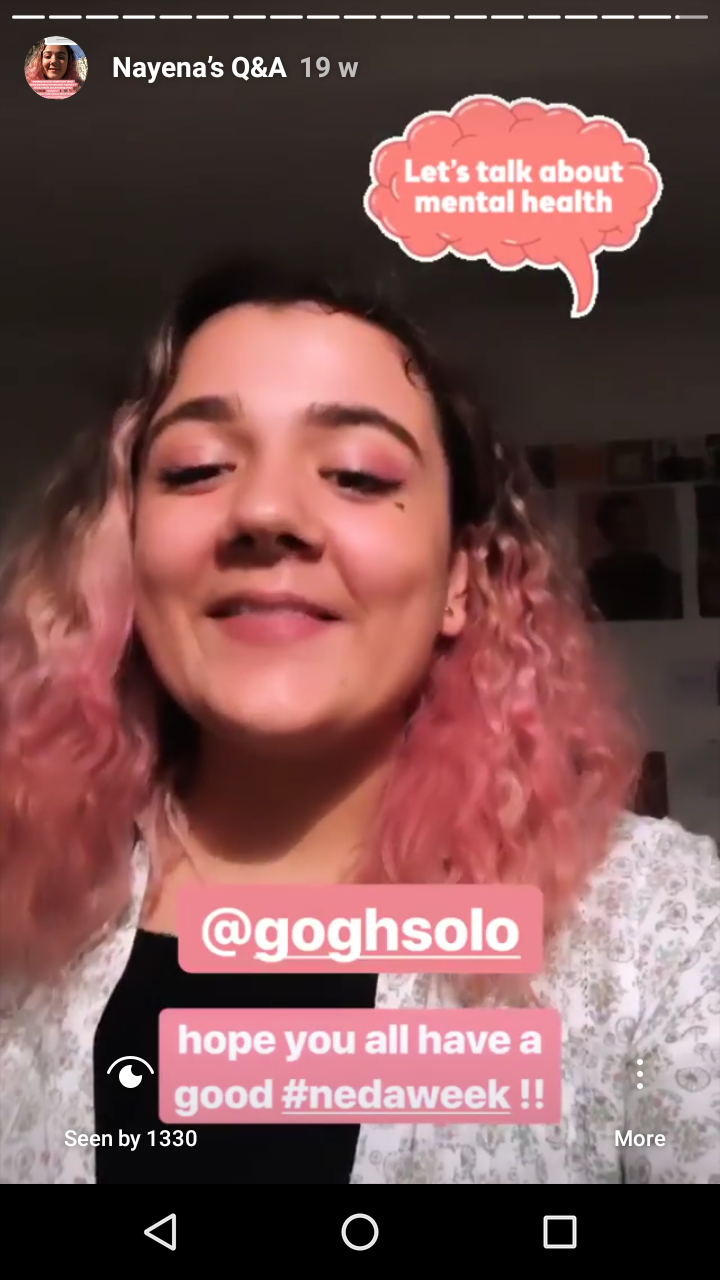
- You can include hashtags in your Stories. People following those hashtags might see your story in their feed, even if they don’t follow your account. This can be a great way to reach out to people interested in mental health.
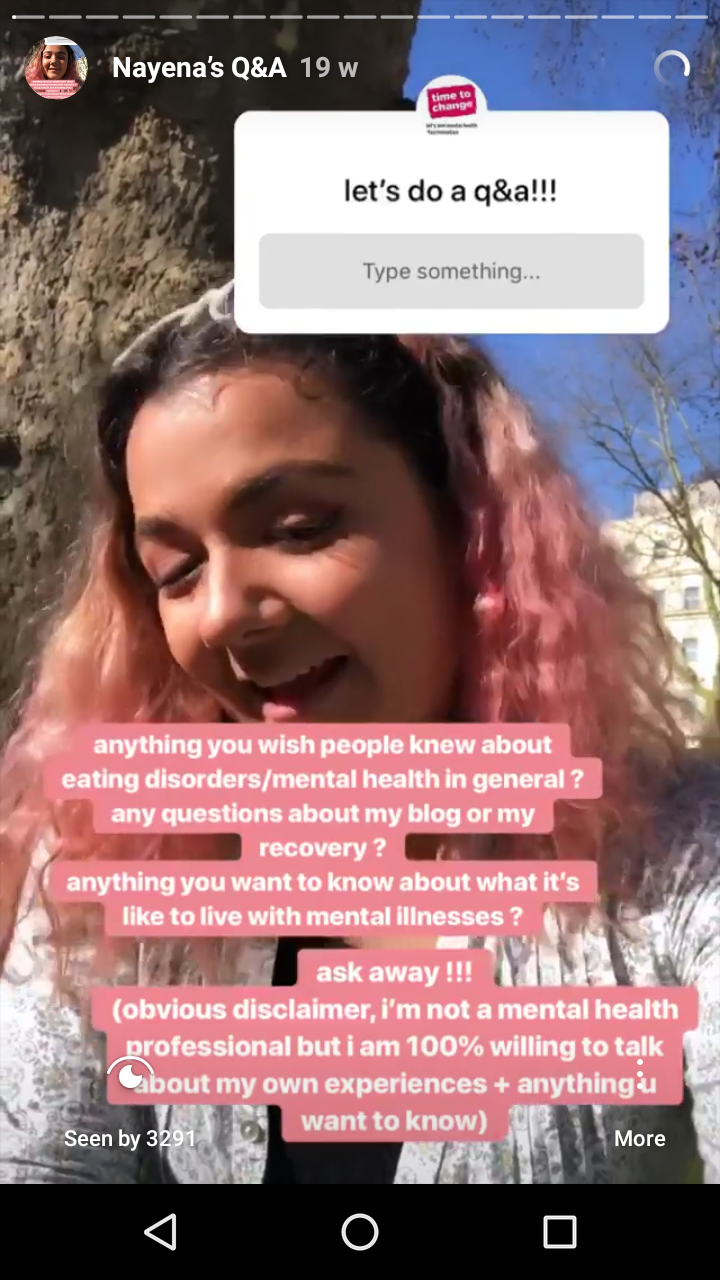
- The Q&A button can be a fun way to invite people to ask about a mental health topic – see Nayena’s story on our profile.

- They don’t have to be polished or perfect – have fun and experiment!
Ideas to get you started
- Share a Story with five things you want someone to know about supporting someone with a mental health condition.
- Use a Story to highlight a new blog post you’ve written.
- Share someone else’s post and write a comment with your thoughts. Make sure you give them credit for the original post by tagging them (use the @ function).
- Use a feature like the Q&A button, Poll and Quiz buttons to engage with your followers.